
Sidekick Payments
The terminal is part of the platform, not an afterthought.
Accept in-person and online payments, order the right terminal, connect invoices and orders, and reconcile money without leaving Sidekick.
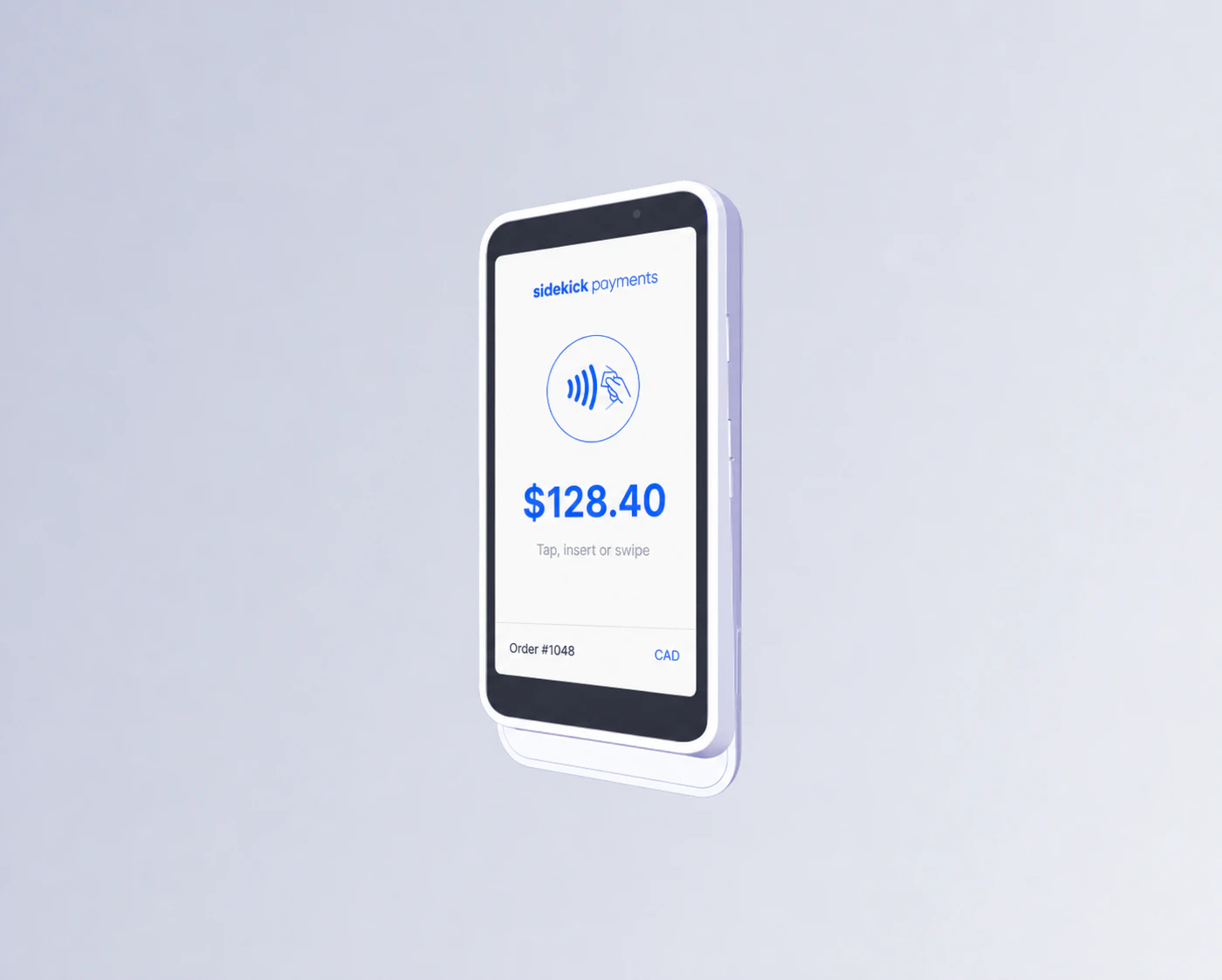
Payment hardware
Choose the terminal that fits the counter, floor, or field.
Sidekick sells supported countertop, handheld, mobile, and self-service payment hardware at verified local retail MSRP.
How the work moves
From merchant application to first payment
Complete business onboarding, select hardware, follow approval, and activate the terminal.
- 01Enter business and ownership details
- 02Describe processing needs
- 03Choose and ship terminals
- 04Complete approval and activation
Product depth
The Sidekick Payments capability map
Feature depth is grouped around jobs the business recognizes—not an endless checklist.
In-person hardware, clearly offered
Choose countertop, handheld, mobile, or self-service hardware by country and workflow.
- Touchscreen payment terminals
- Mobile readers
- Countertop and handheld modes
- Accessories, docks, cases, and connectivity
Processing connected to the record
Keep the money beside the invoice, order, booking, or customer that created it.
- Online and in-person processing
- Payment links and invoices
- POS and Commerce connection
- Refunds, disputes, payouts, and reconciliation
Questions
Clear answers before you buy
Pricing, trial, hardware, and product boundaries should be understandable before checkout.
Can we buy physical payment terminals?
Yes. Country-compatible terminals and accessories are sold at verified retail MSRP and configured during ordering.
Is there a monthly platform fee?
Sidekick Payments has no platform subscription or setup fee at launch. Processing and hardware charges still apply.
Ready when you are